How to Set Up Satisfactory Server
How to Set Up Satisfactory Server
Here is a guide on how to set up your Satisfactory server using the HardGaming website. If you have not already set up a HardGaming account, you will need to do that before you can set up your server.
-
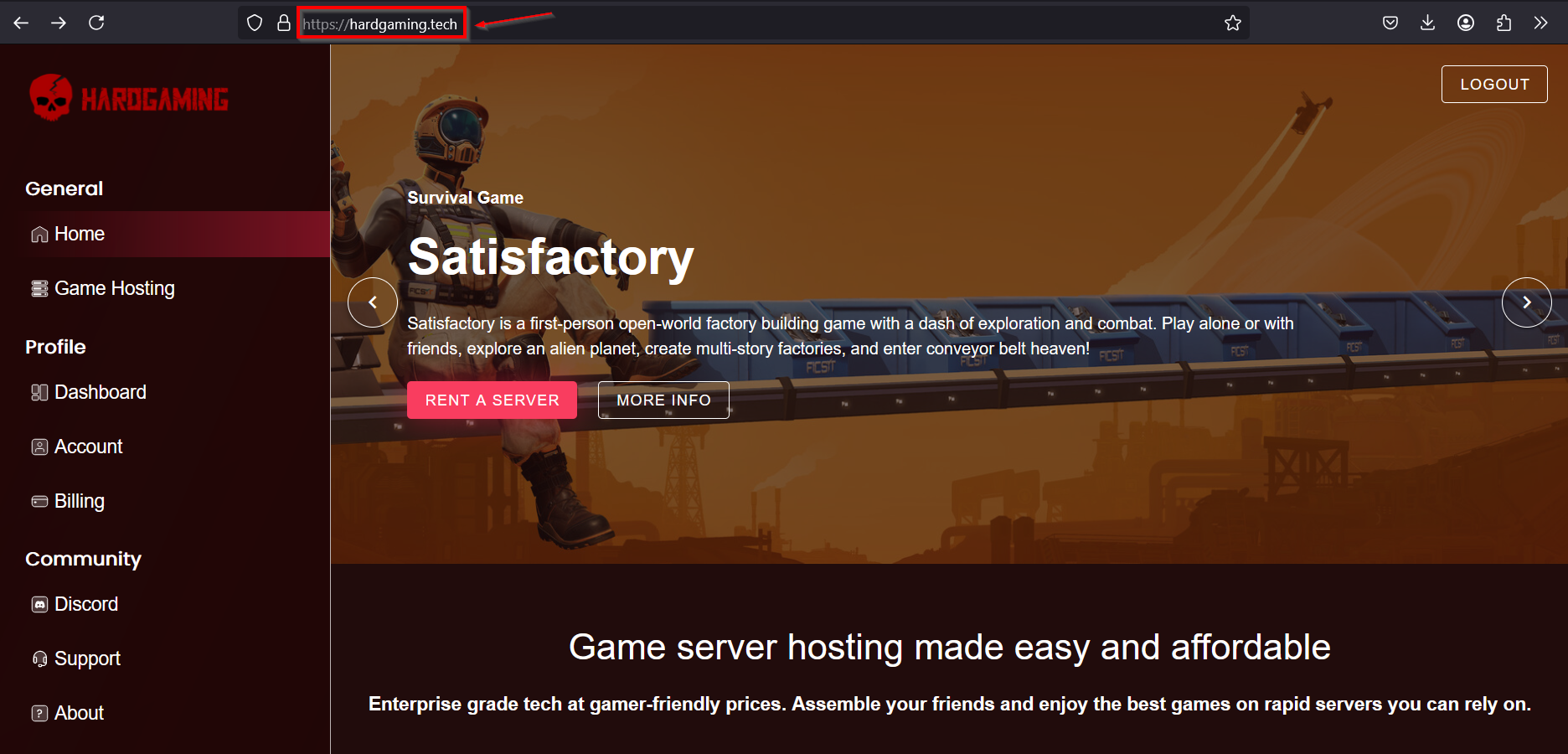
Navigate to the HardGaming website:
-
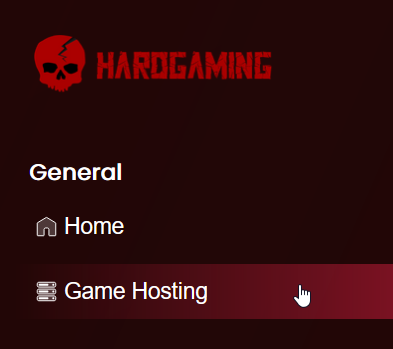
Select "Game Hosting" from the left side panel:
-
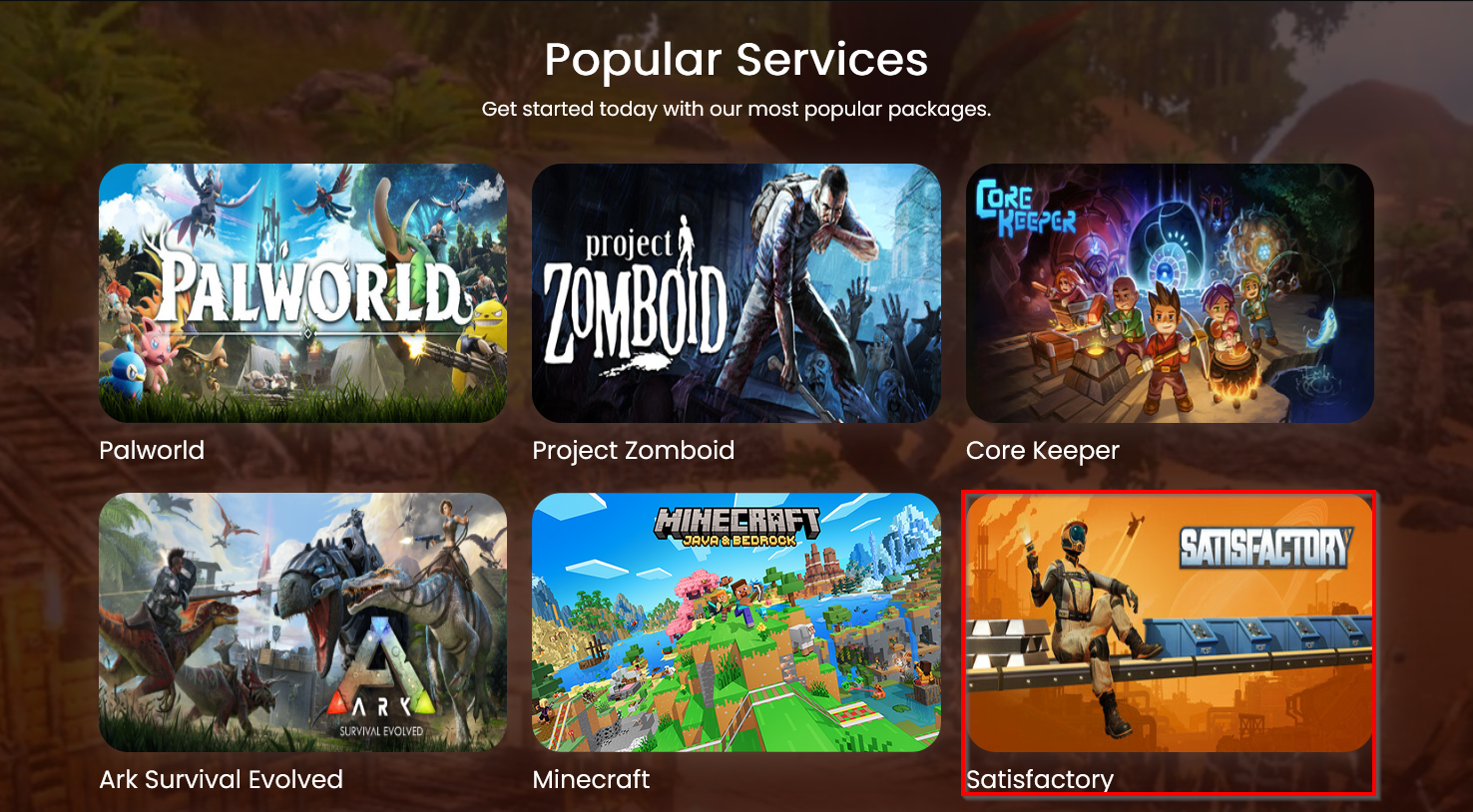
Select the Satisfactory tile:
-
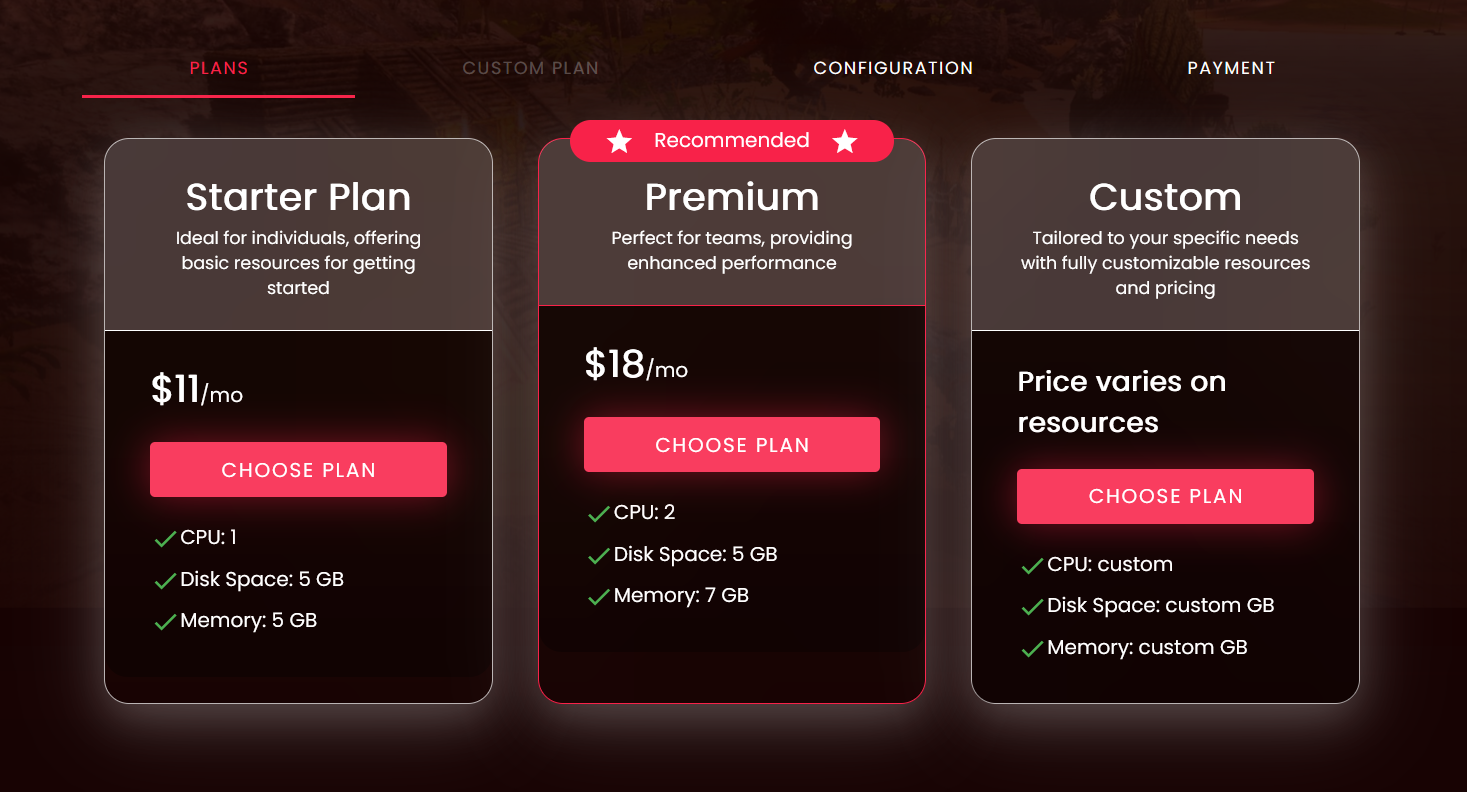
Choose a plan:
- Starter plan: for players who plan to enjoy the game solo.
- Premium plan: for players who plan to play with a team.
- Custom plan: for players who want a more personalized plan.
-
Configure your server:
-
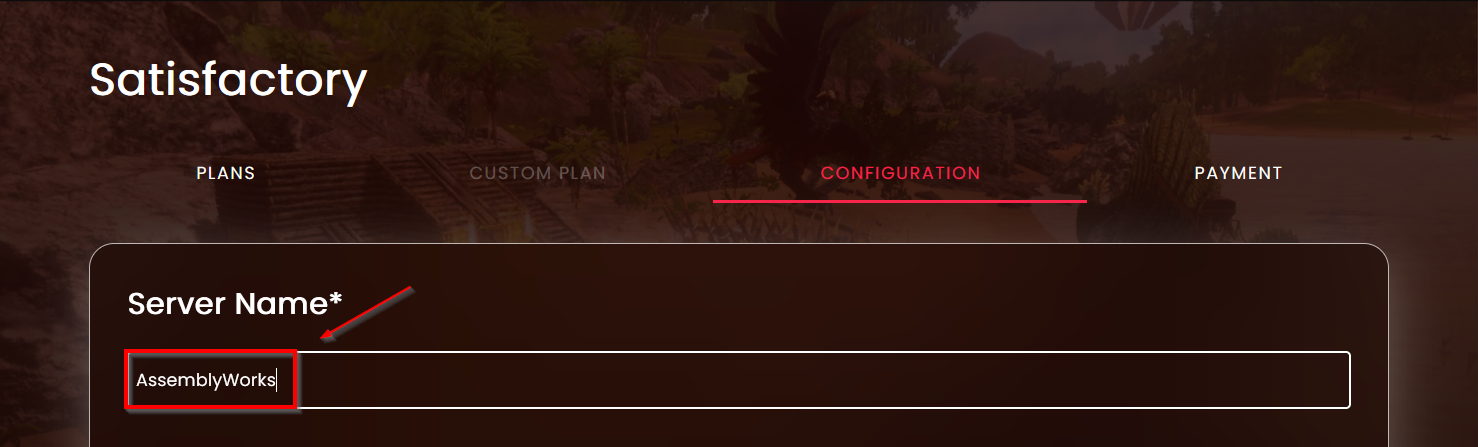
Name your server
-
Configuration Settings
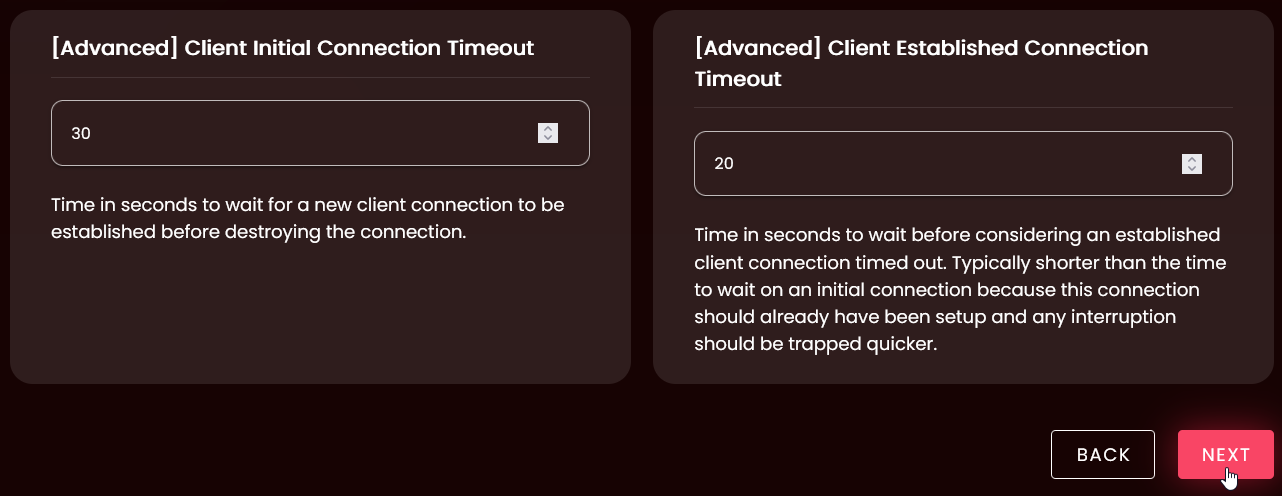
Setting Description Automatic Updates Toggle on to automatically update your server on start [Repair] Validate Server Files Set to True or 1 to validate all server files on start Number of Rotating Autosaves Set the number of autosaves to keep before the oldest is deleted [Experimental] Max Players Set the maximum number of players allowed to join your server [Advanced] Client Initial Connection Timeout Set time in seconds for initial connection timeout [Advanced] Client Established Connection Timeout Set time in seconds before an established client connection is considered timed out 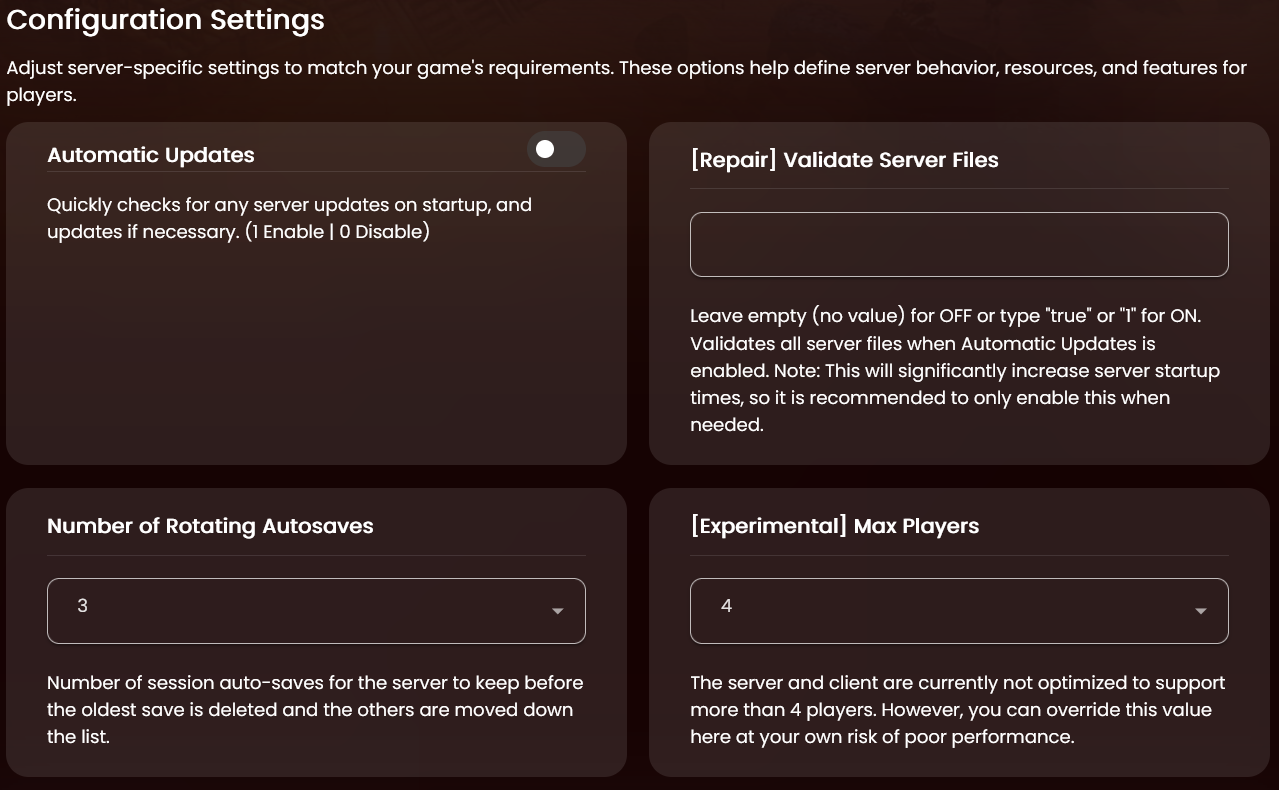
-
Once your settings are configured, press the "Next" button. Don't worry, you can change these later.
-
-
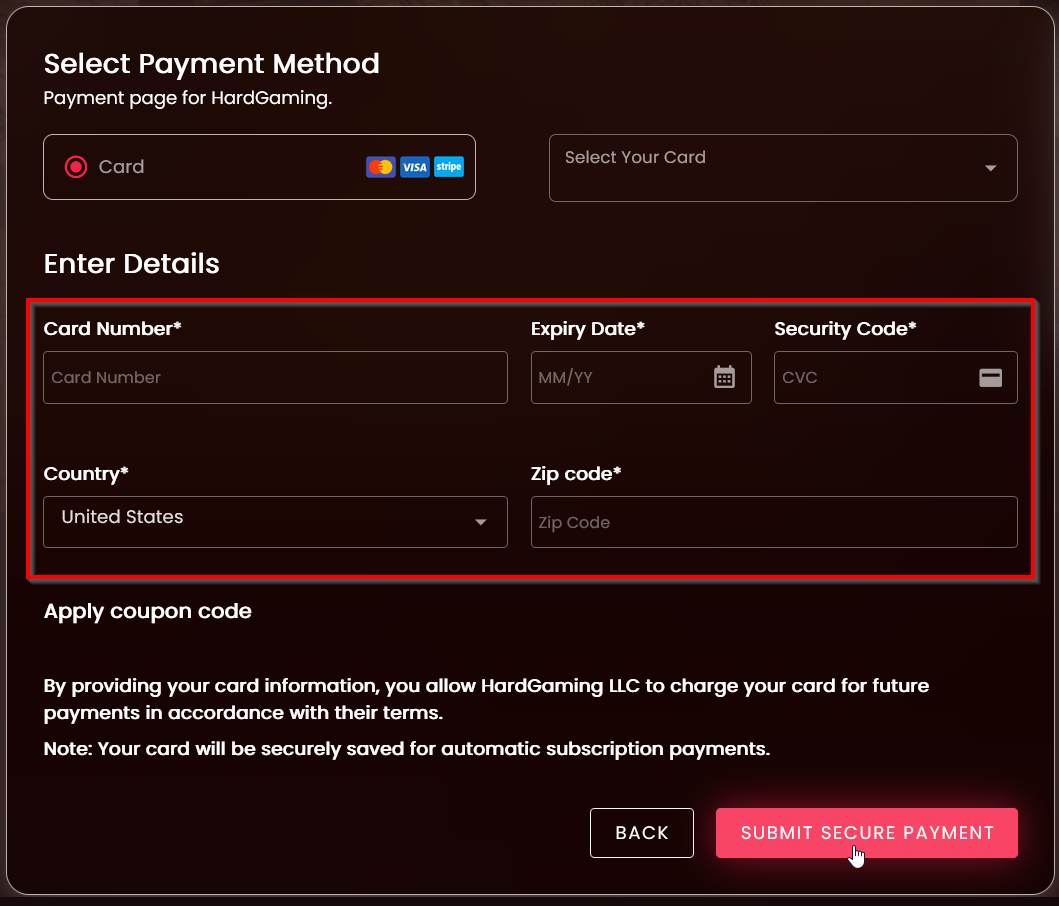
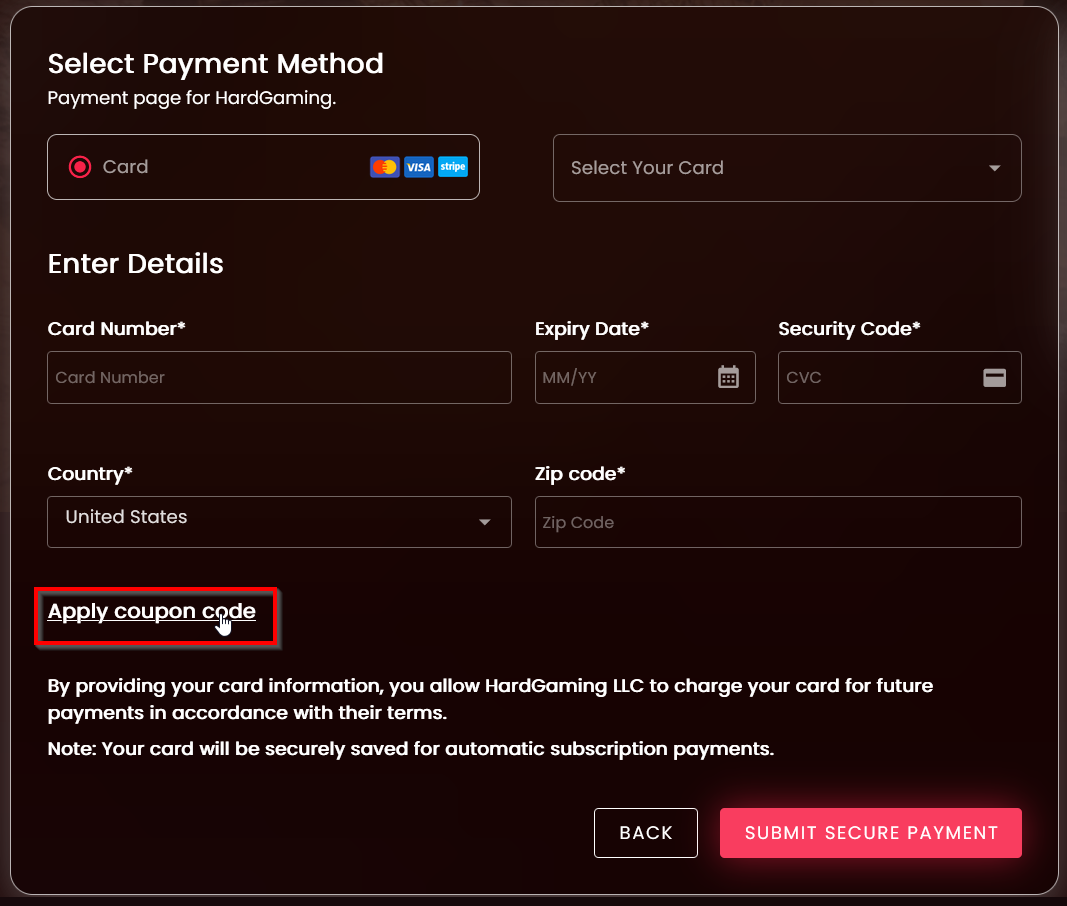
Select Payment Method
-
Enter a new payment method
-
Or select a previously saved card

-
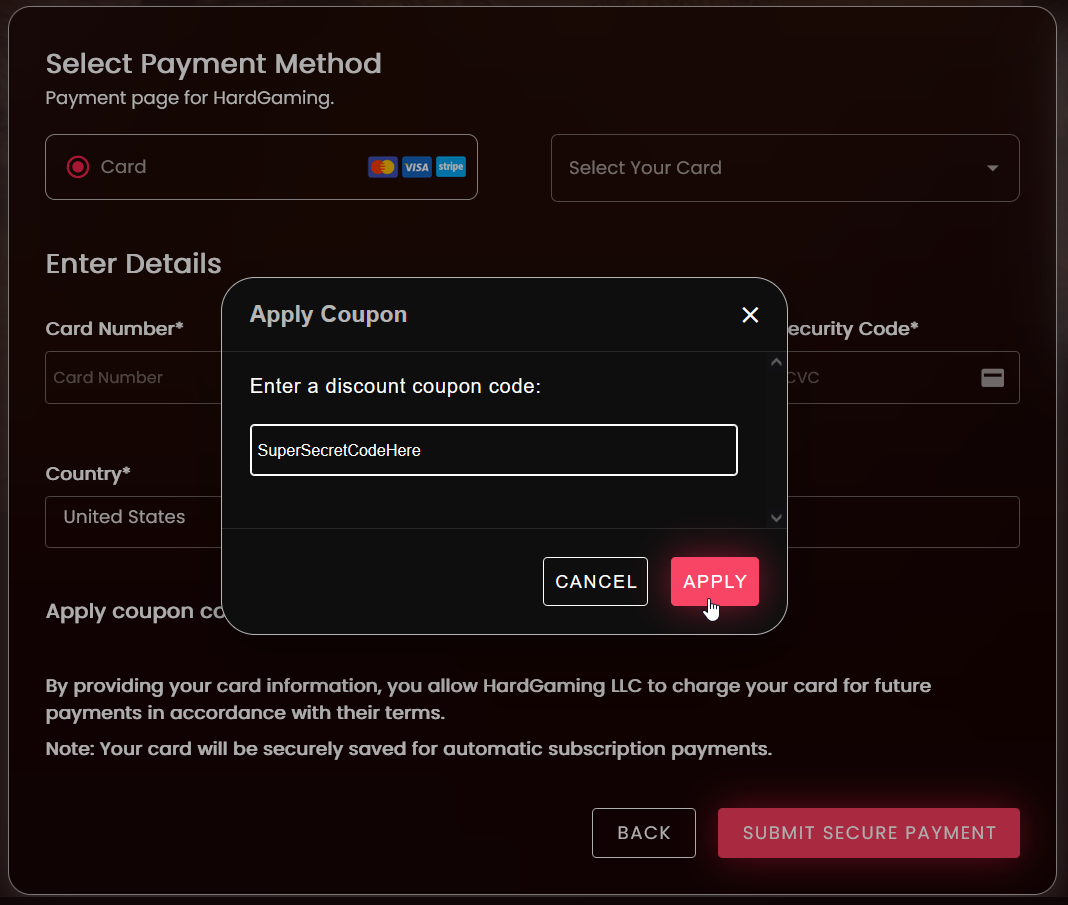
If you have a coupon, add it before submitting payment. Select "Apply Coupon Code", enter your code, and select "Submit" to apply it.
-
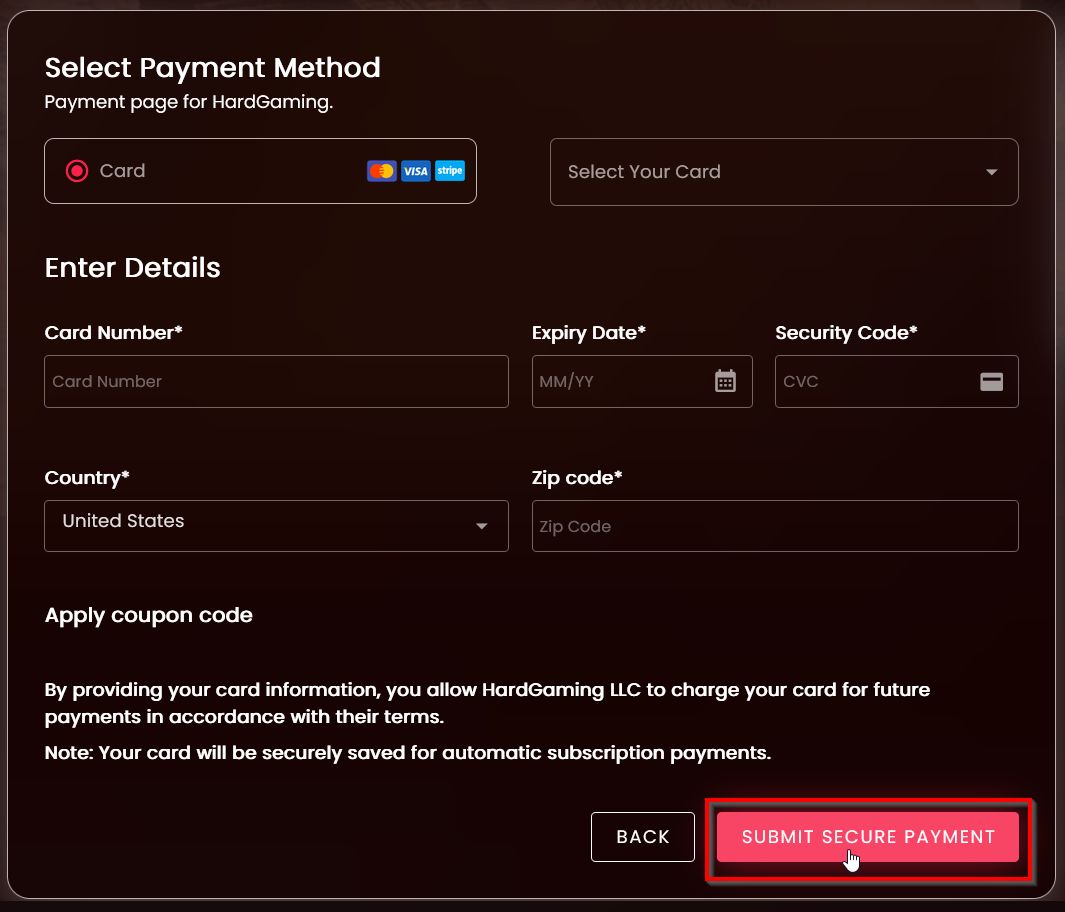
Once your card information is filled in, select "Submit Secure Payment"
-