How to Set Up Minecraft Server
How to Set Up Minecraft Server
Here is a guide on how to set up your Minecraft server using the HardGaming website. If you have not already set up a HardGaming account, you will need to do that before you can set up your server.
-
Navigate to the HardGaming website:
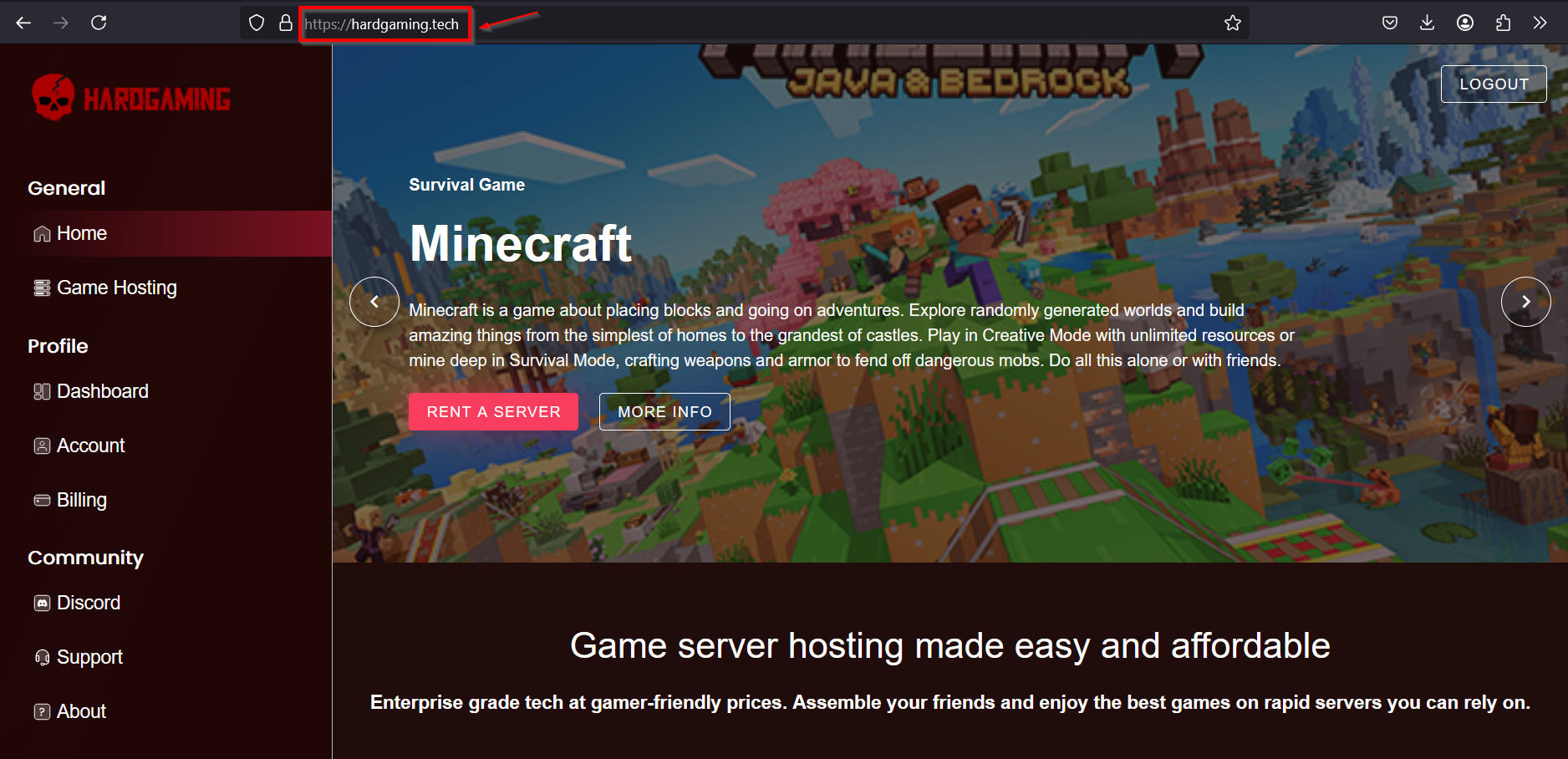
-
Select "Game Hosting" from the left side panel:
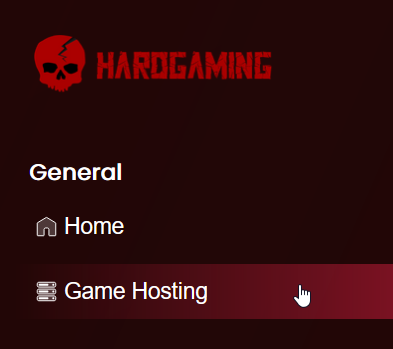
-
Select the Minecraft tile:
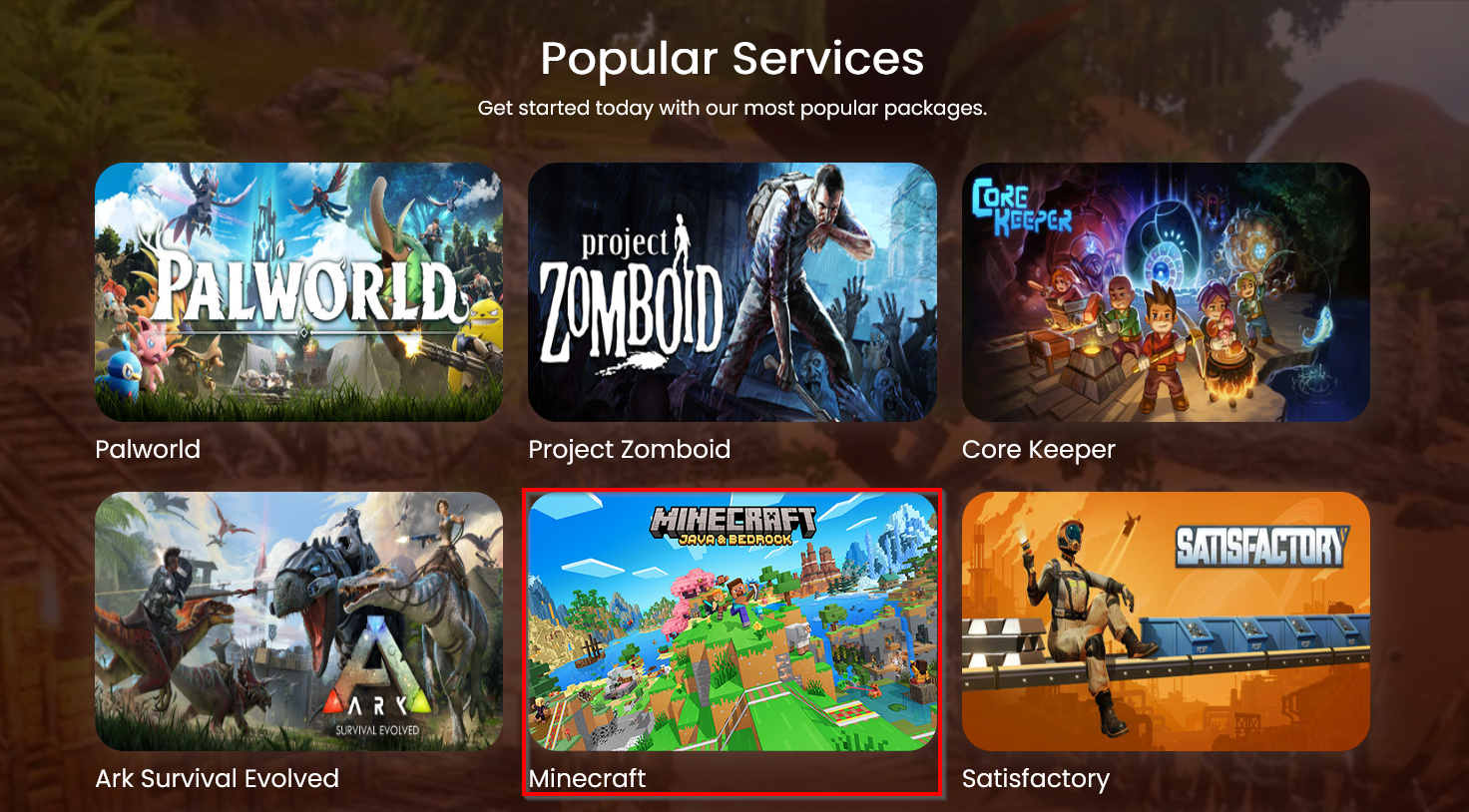
-
Choose a plan:
- Starter plan: for players who plan to enjoy the game solo.
- Premium plan: for players who plan to play with a team.
- Custom plan: for players who want a more personalized plan.
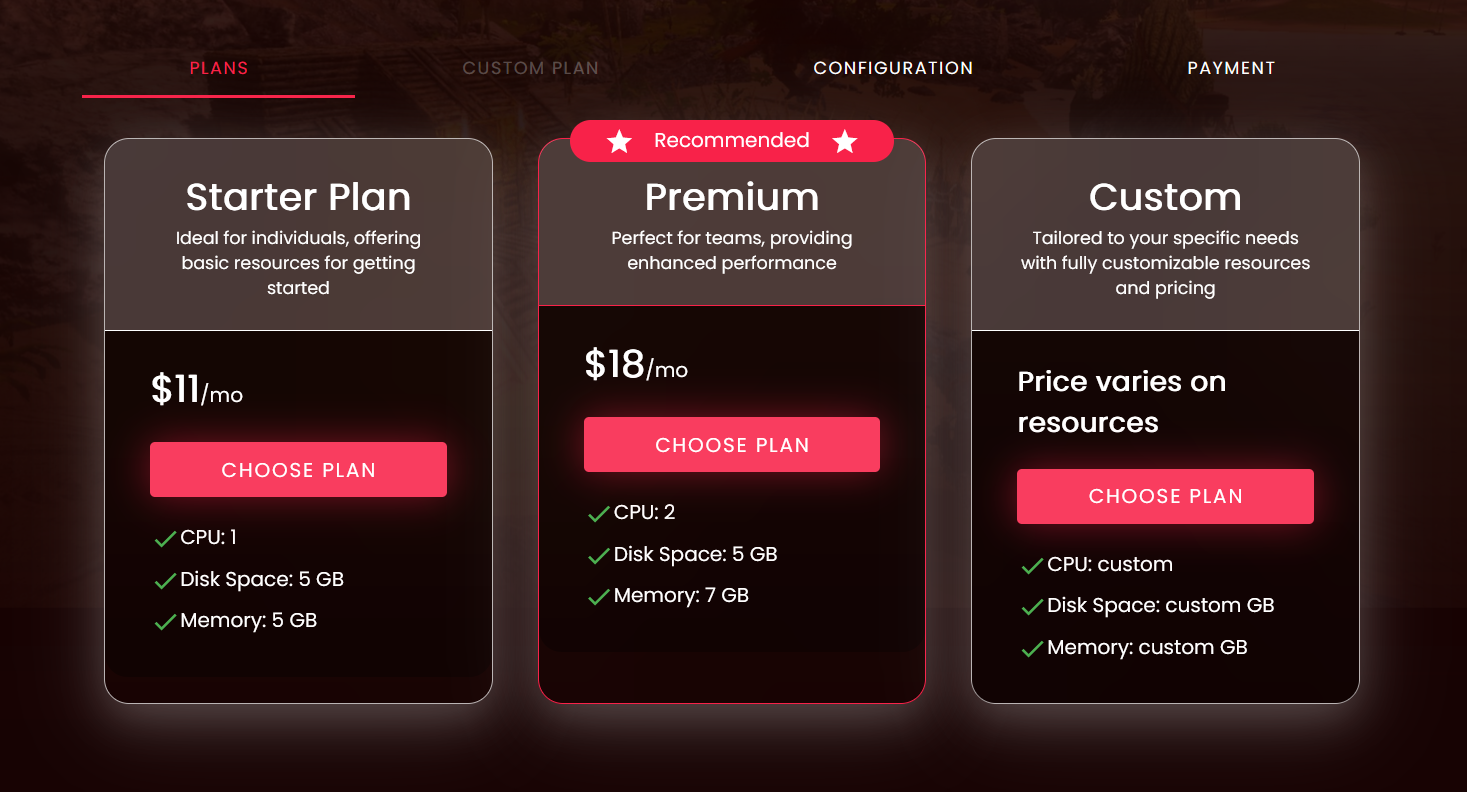
-
Configure your server:
-
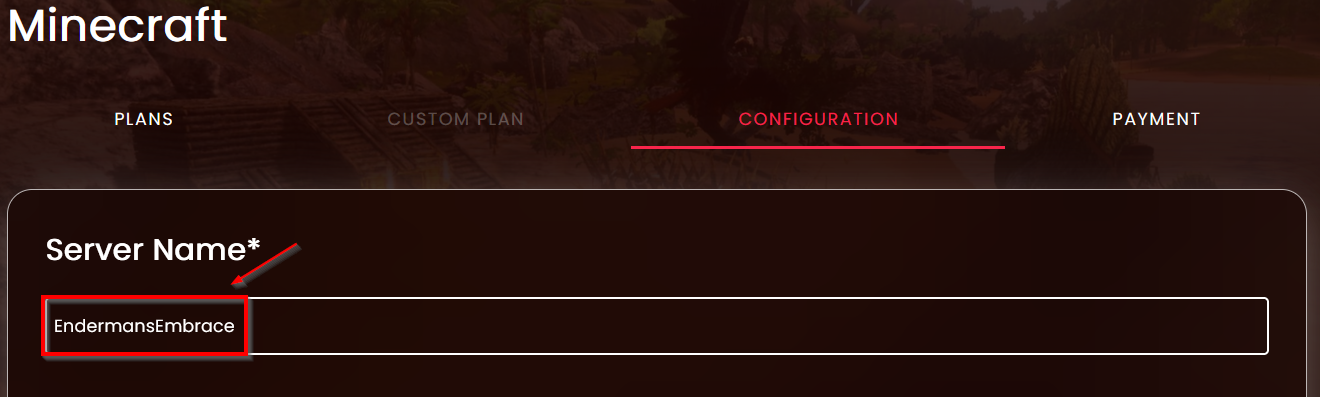
Name your server
-
Configuration Settings
Setting Description Server Jar File Set the server jar file to run the server Server Version Select which version of Minecraft you want your server to run 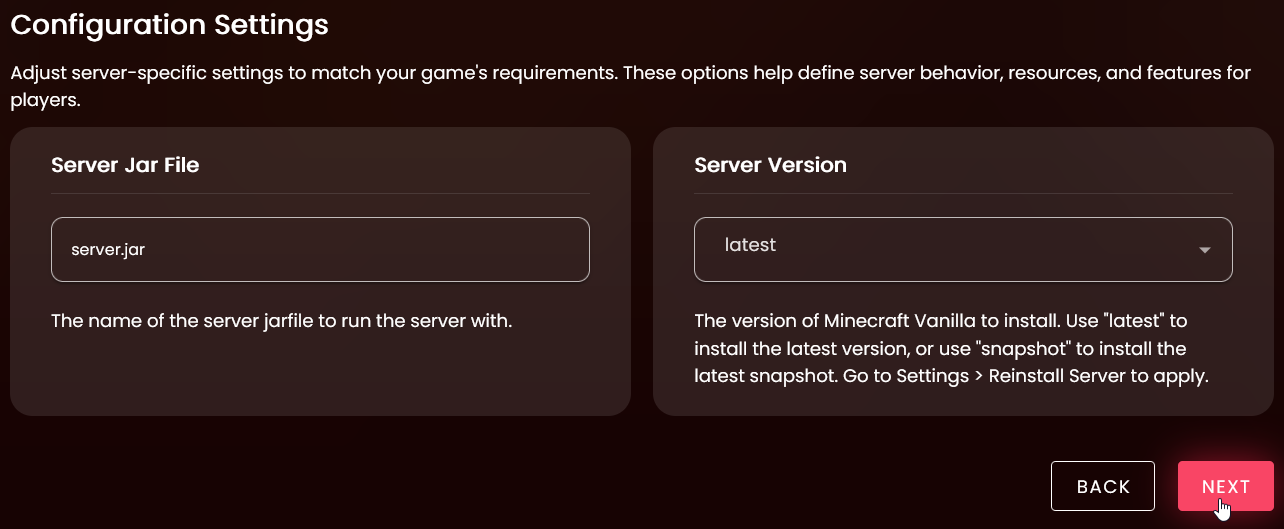
-
Once your settings are configured, press the "Next" button. Don't worry, you can change these later.
-
-
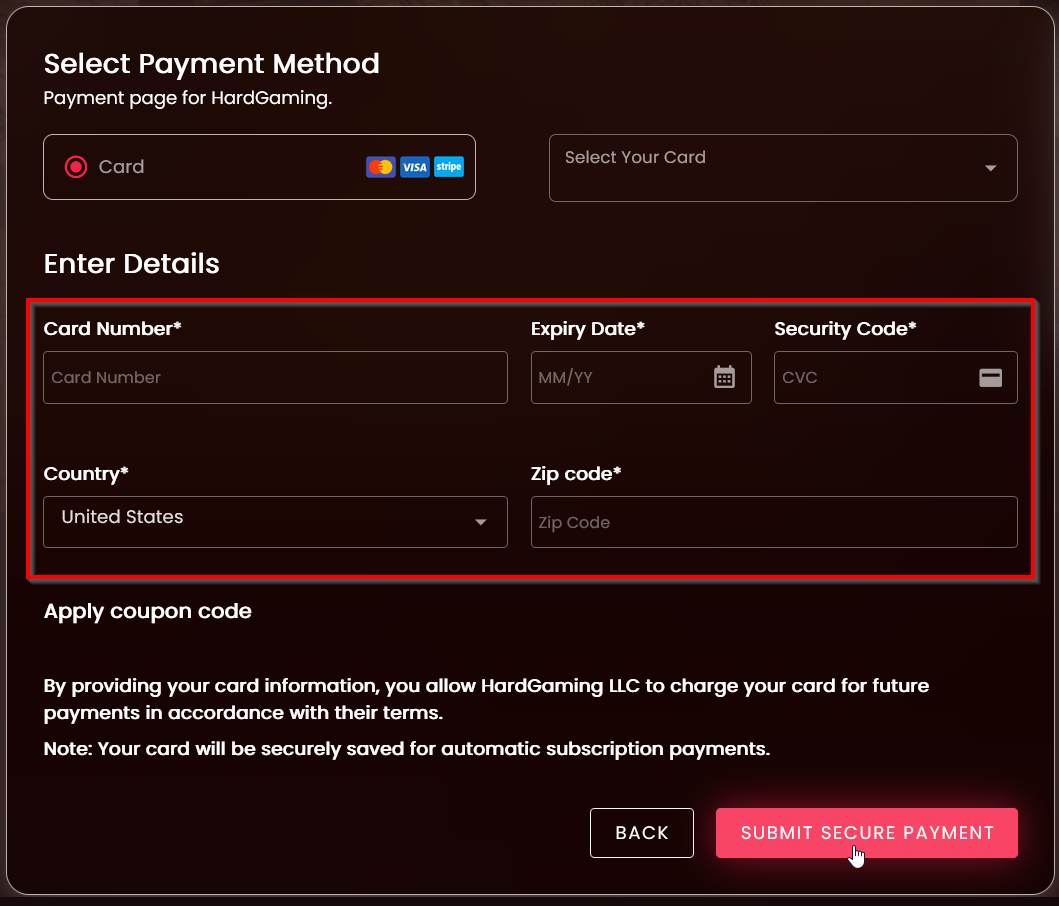
Select Payment Method
-
Enter a new payment method
-
Or select a previously saved card

-
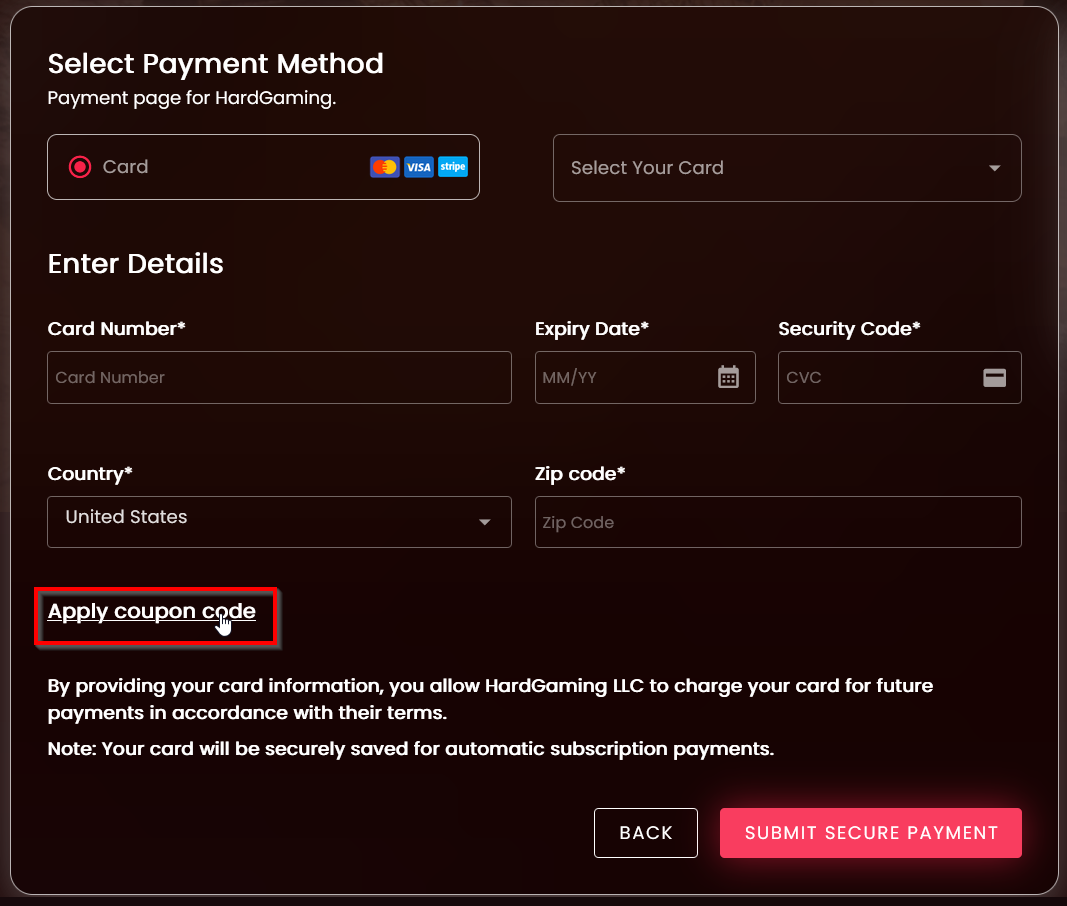
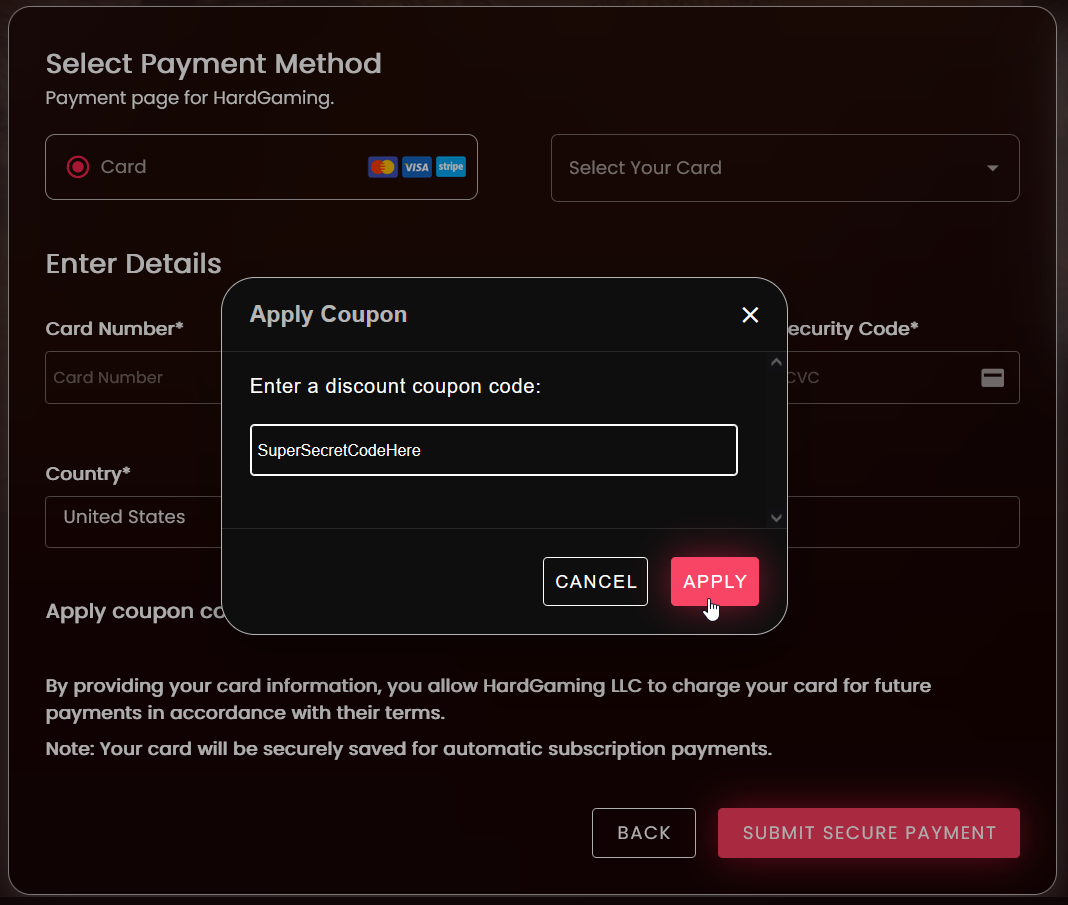
If you have a coupon, add it before submitting payment. Select "Apply Coupon Code", enter your code, and select "Submit" to apply it.
-
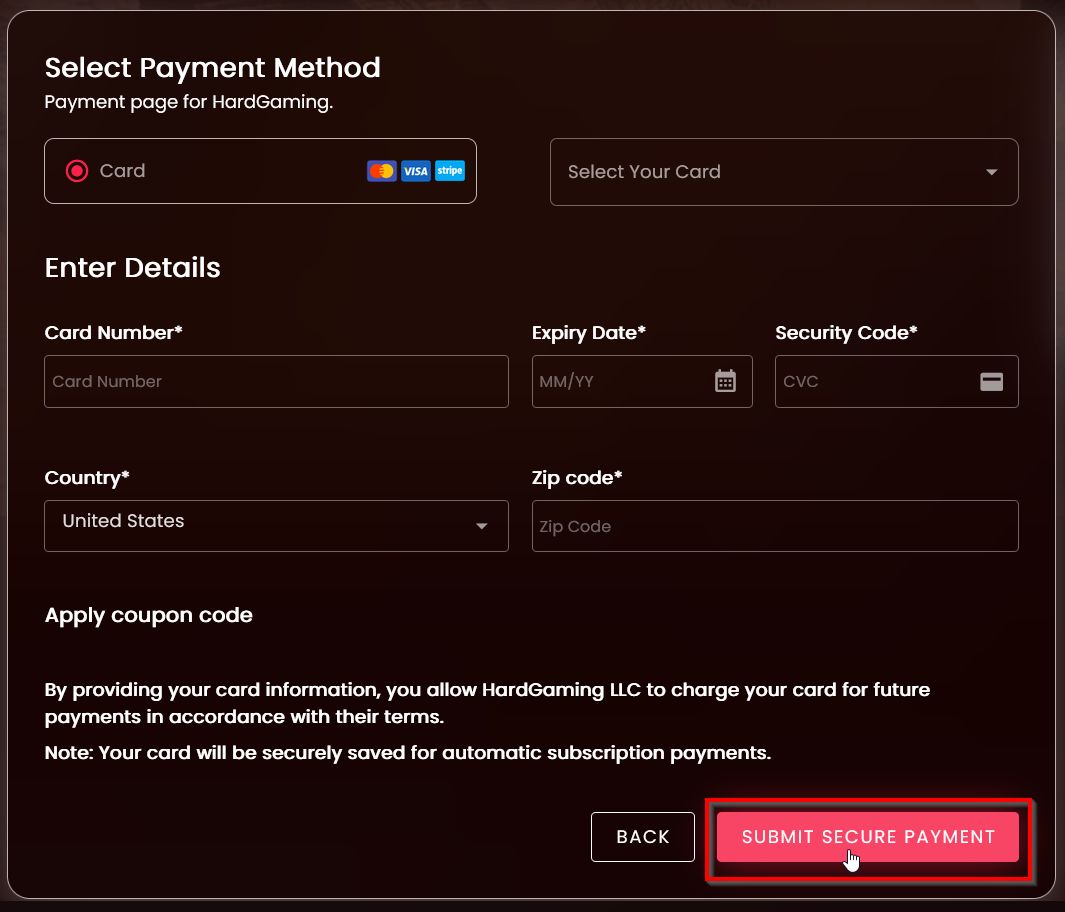
Once your card information is filled in, select "Submit Secure Payment"
-