How to Set Up Palworld Server
How to Set Up Palworld Server
Here is a guide on how to set up your Palworld server using the HardGaming website. If you have not already set up a HardGaming account you will need to do that before you can set up your server.
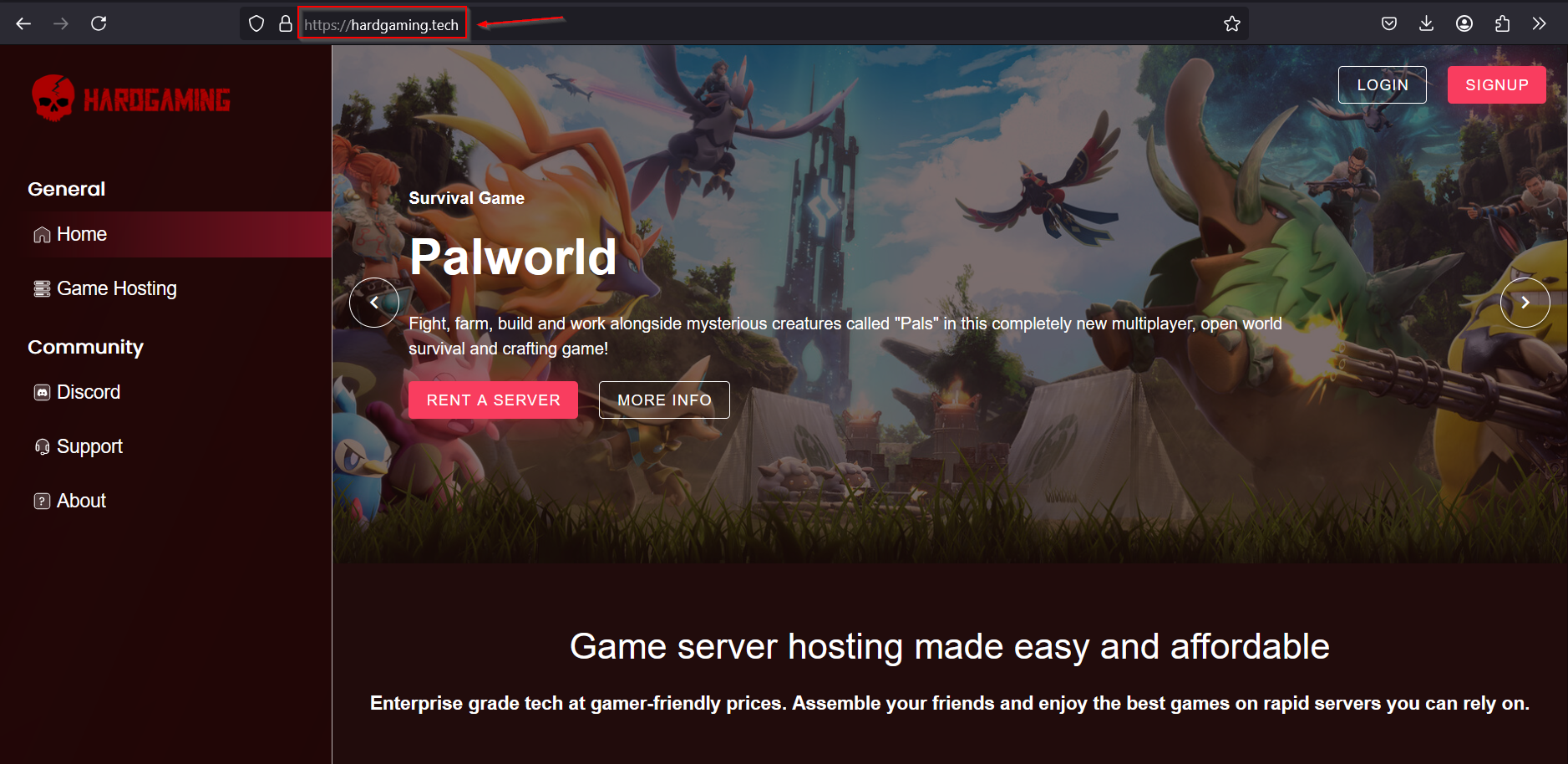
Navigate to HardGaming website:
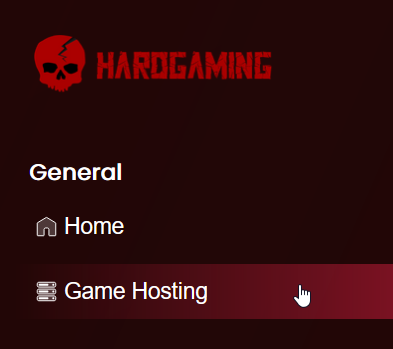
Select “Game Hosting” from left side panel:
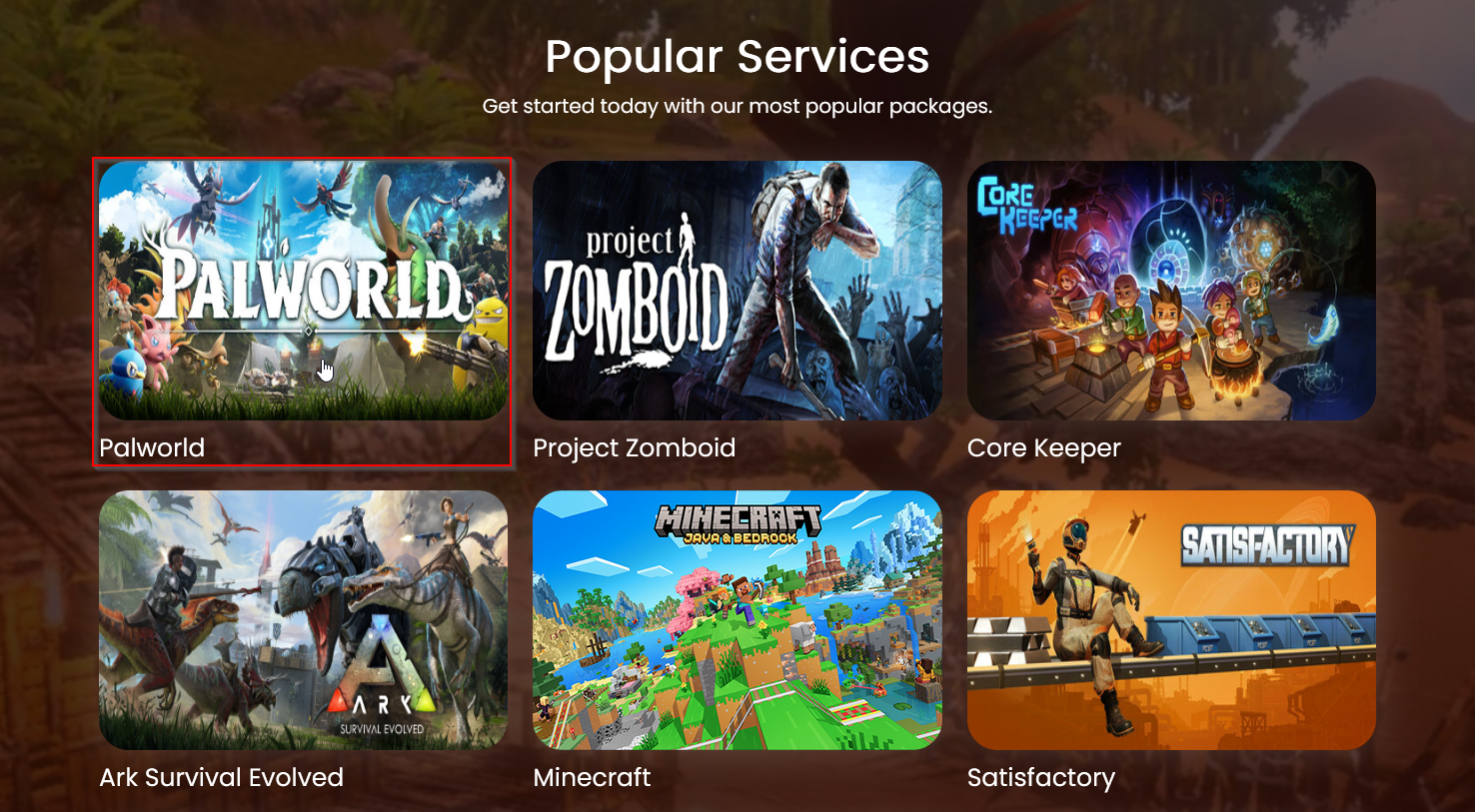
Select Palworld tile:
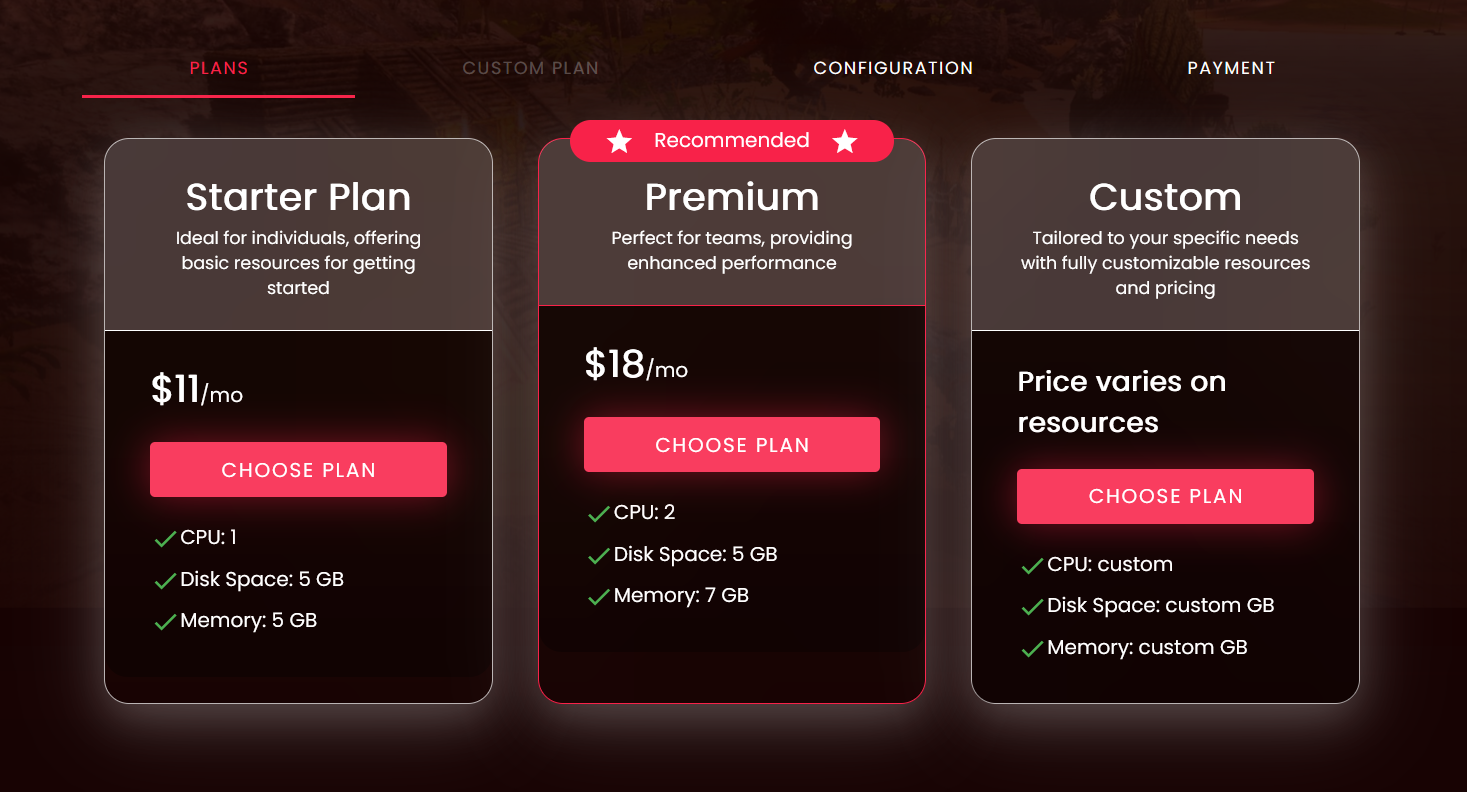
Choose a plan:
- Starter plan: for players who plan to enjoy the game solo.
- Premium plan: for players who plan to play with a team.
- Custom plan: for players who want a more personalized plan.
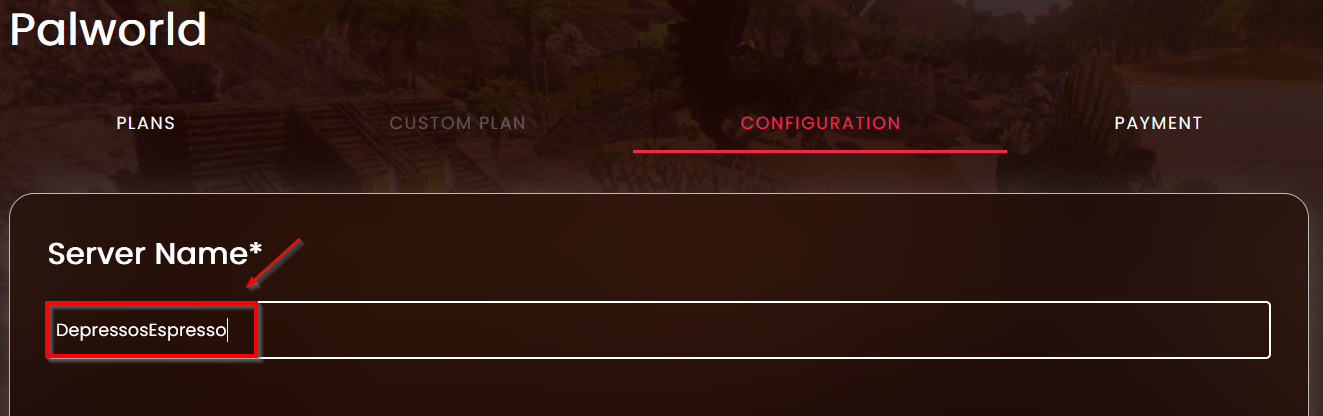
Configure your server:
Name your server
Configuration Settings
Setting Description Auto Update Toggle on if you want your server to update on start Max Players Set the max number of players allowed to join your server Admin Password Set the password needed to login the admin console in game Server Password Set the password needed to join the server Server Description Insert description that tells people about your server Connection Platform Select between Steam or Xbox 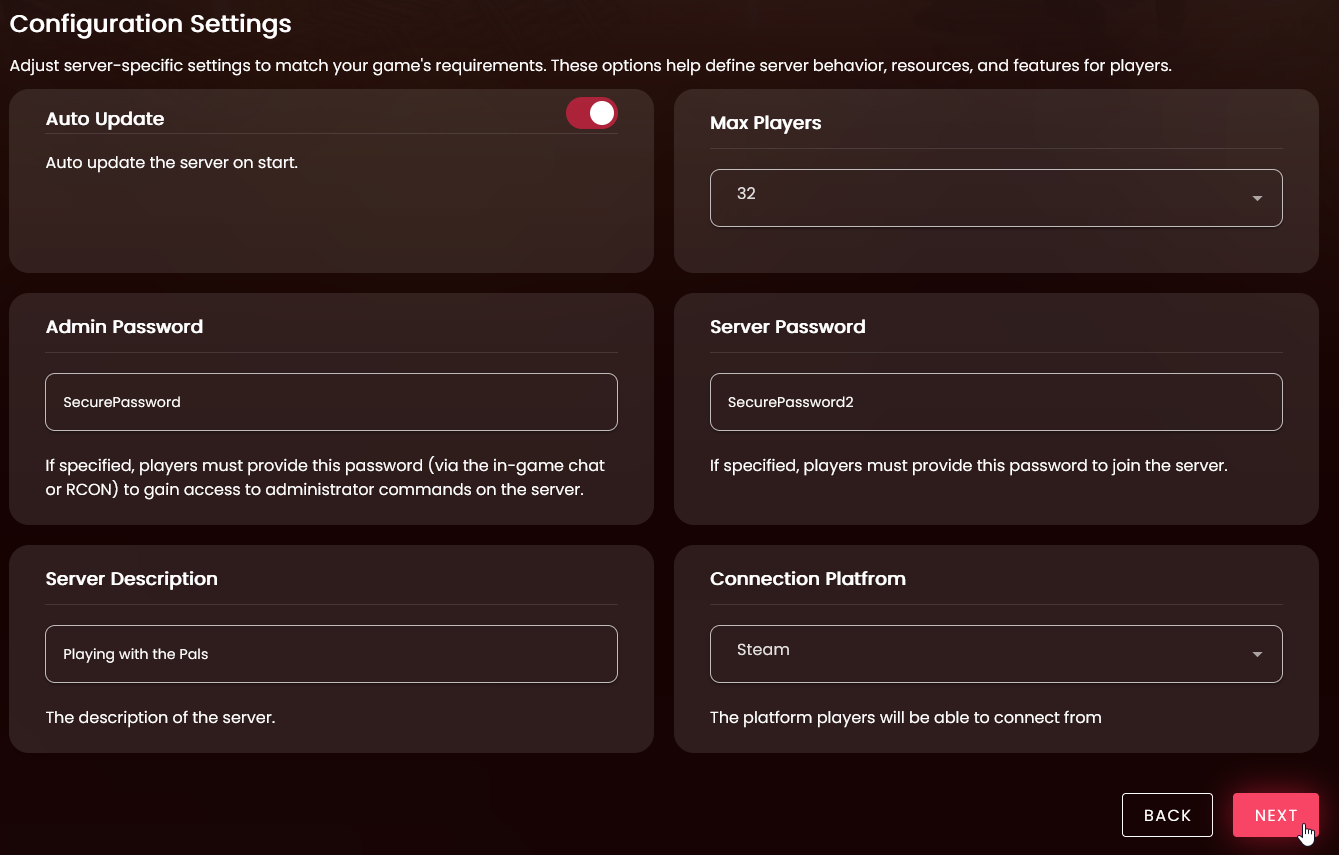
Once your settings are to your liking, don’t worry you can change it later, press the “Next” button.
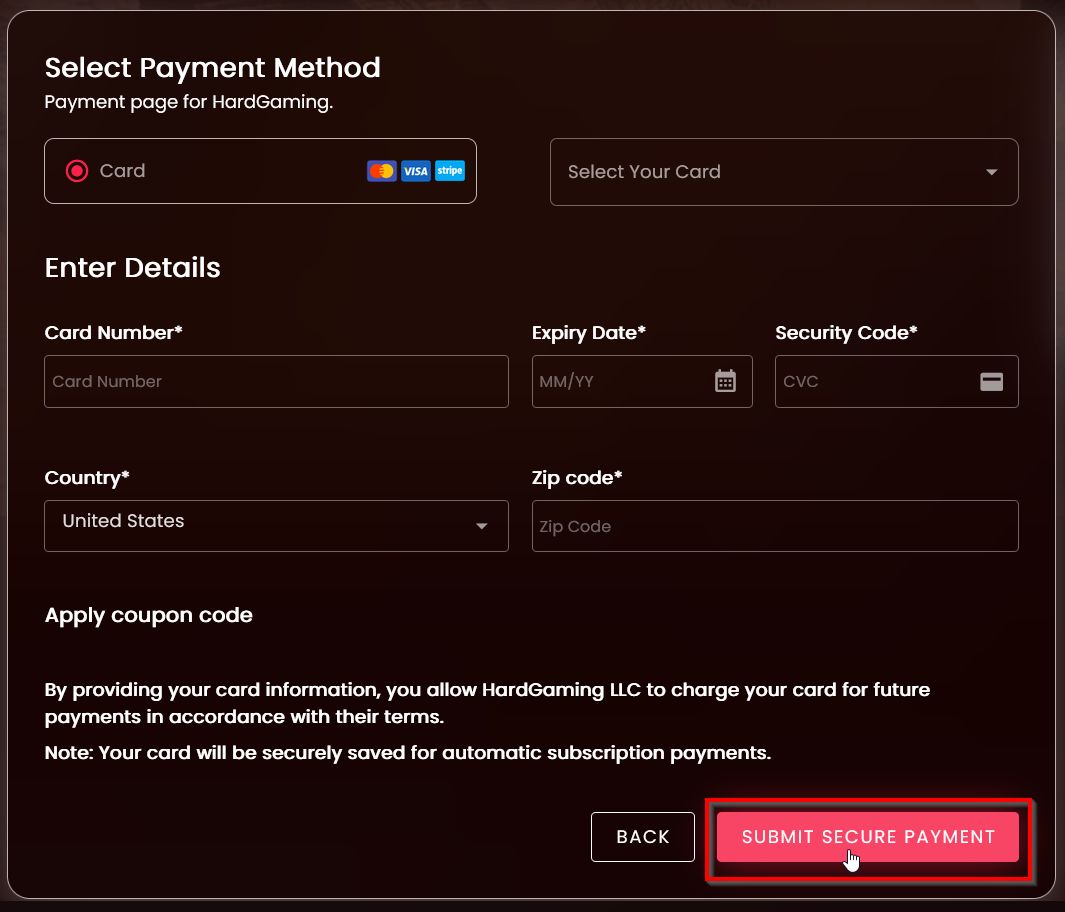
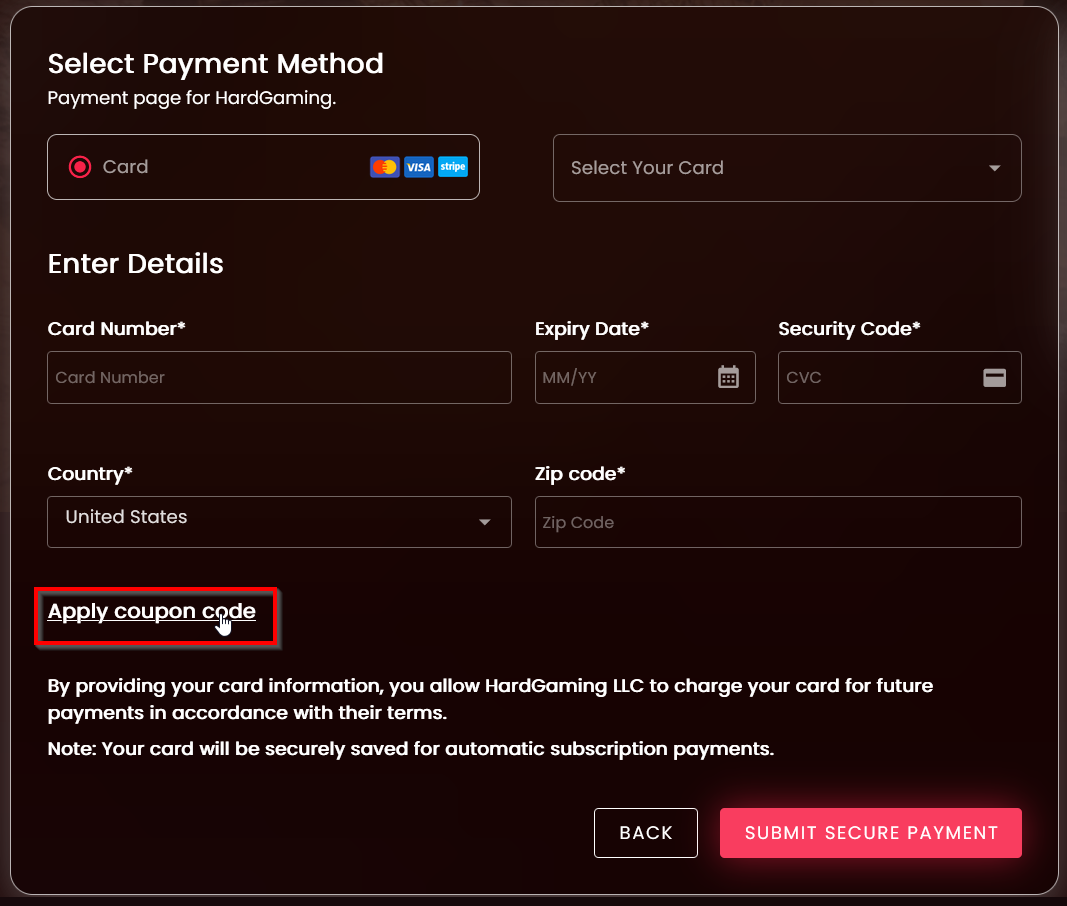
Select Payment Method
Enter new payment method
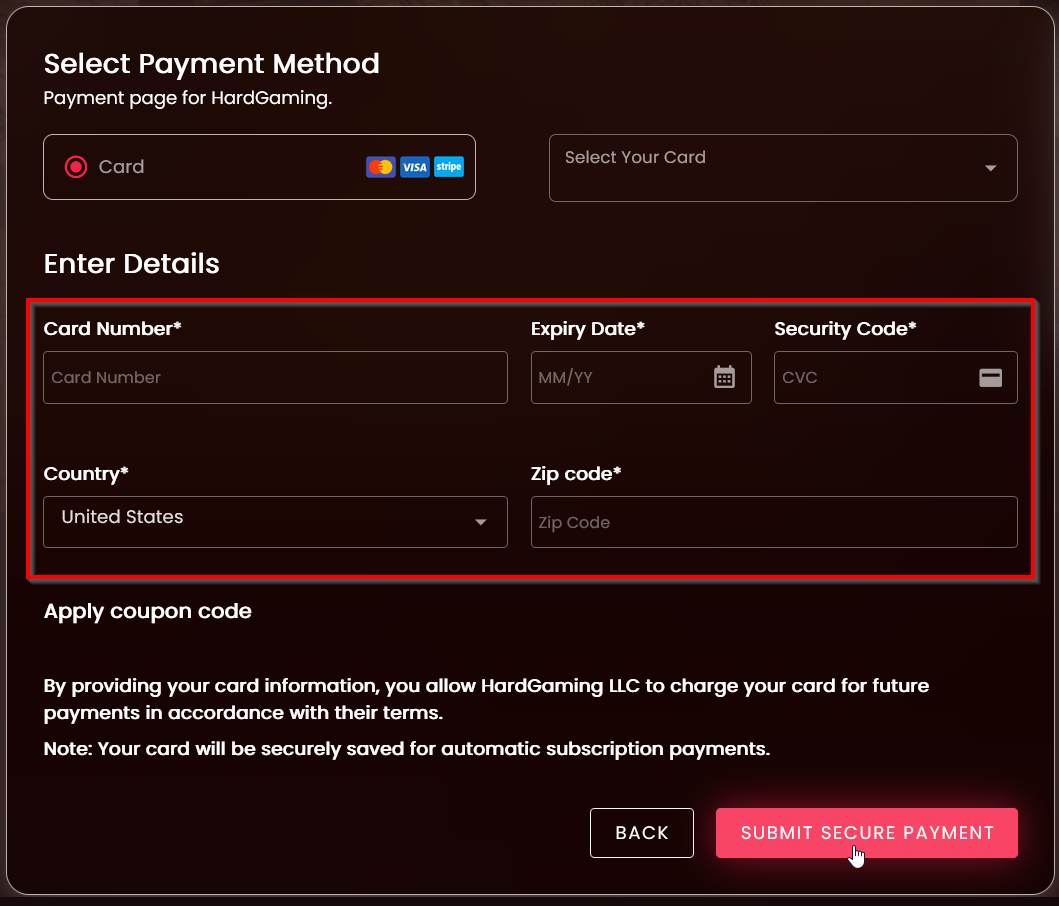
Or select your previous card payment

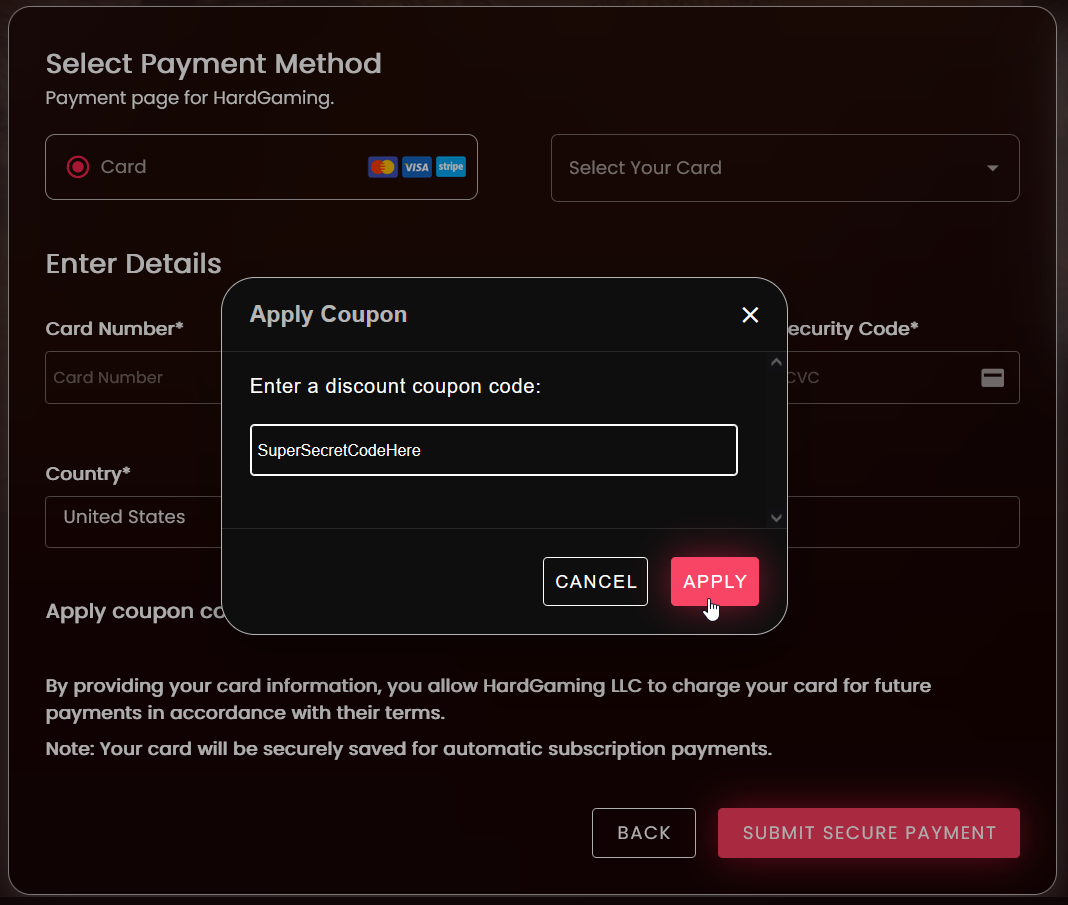
If you have coupon add it before you submit secure payment, select “Apply Coupon Code” and then type in the coupon and select “Submit” to apply
Once card information is filled in select “Submit Secure Payment”